What Is Google Lighthouse’s Agentic Browsing Audit? (And How to Pass It on WordPress)
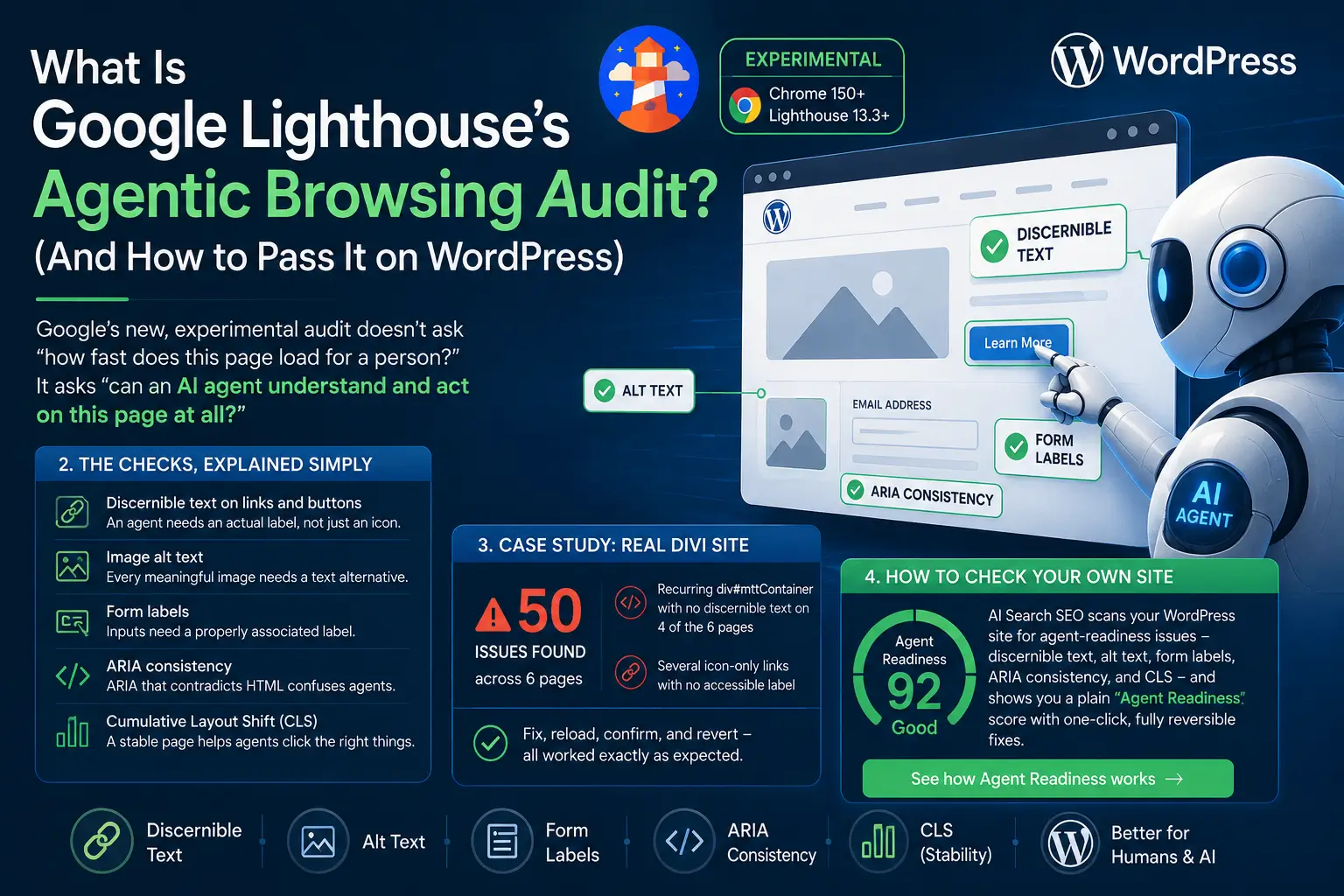
Google’s Lighthouse has quietly added a new, experimental audit category called Agentic Browsing. It doesn’t ask “how fast does this page load for a person?” — it asks “can an AI agent understand and act on this page at all?” If you run a WordPress site, here’s what the audit actually checks, and how to pass it.
1. What Is Agentic Browsing?
Agentic Browsing is available starting with Chrome 150+ and Lighthouse 13.3+, and it’s still marked experimental — meaning it doesn’t affect your overall Lighthouse score yet. But it points at where the web is heading: AI agents that click links, fill in forms, and read pages on behalf of a human user. The audit doesn’t care whether your button “looks” clickable. It cares whether an agent parsing the DOM can tell what the button does, what an image shows, and what a form field expects.2. The Checks, Explained Simply
Under the hood, agent-readiness comes down to a handful of concrete, testable things:- Discernible text on links and buttons — an agent (and a screen reader) needs an actual label, not just an icon or an empty link with a background image.
- Image alt text — every meaningful image needs a text alternative an agent can read instead of guessing from pixels.
- Form labels — inputs need a properly associated label, so an agent knows what to type where.
- ARIA consistency — ARIA attributes that contradict the underlying HTML confuse agents more than having no ARIA at all.
3. Case Study: What We Found on a Real Divi Site
We ran an agent-readiness scan across a live Divi/WooCommerce site to see how these checks hold up outside a lab environment. A sitewide scan of the header, footer, and navigation landmarks came back clean. But a per-post scan of just six pages turned up 50 separate issues — including a recurring div#mttContainer element with no discernible text on four of the six pages, plus several icon-only links with no accessible label at all. Applying a fix, reloading the page, and confirming the fix stuck (with the option to revert) worked exactly as expected in a real, non-staging environment.4. How to Check Your Own Site
You don’t need to read raw Lighthouse JSON to know where you stand. AI Search SEO scans your WordPress site for exactly these agent-readiness issues — discernible text, alt text, form labels, ARIA consistency, and CLS — and shows you a plain “Agent Readiness” score with one-click, fully reversible fixes. See how Agent Readiness works on the Prices page →AI Search SEO

The WordPress plugin that makes your content visible to ChatGPT, Gemini, Perplexity, and Google AI Overviews.
AI Search SEO
The WordPress plugin that makes your content visible to ChatGPT, Gemini, Perplexity, and Google AI Overviews.
© 2026 AI Search SEO. All rights reserved.
Built for the AI era
© 2026 AI Search SEO. All rights reserved.
Built for the AI era